

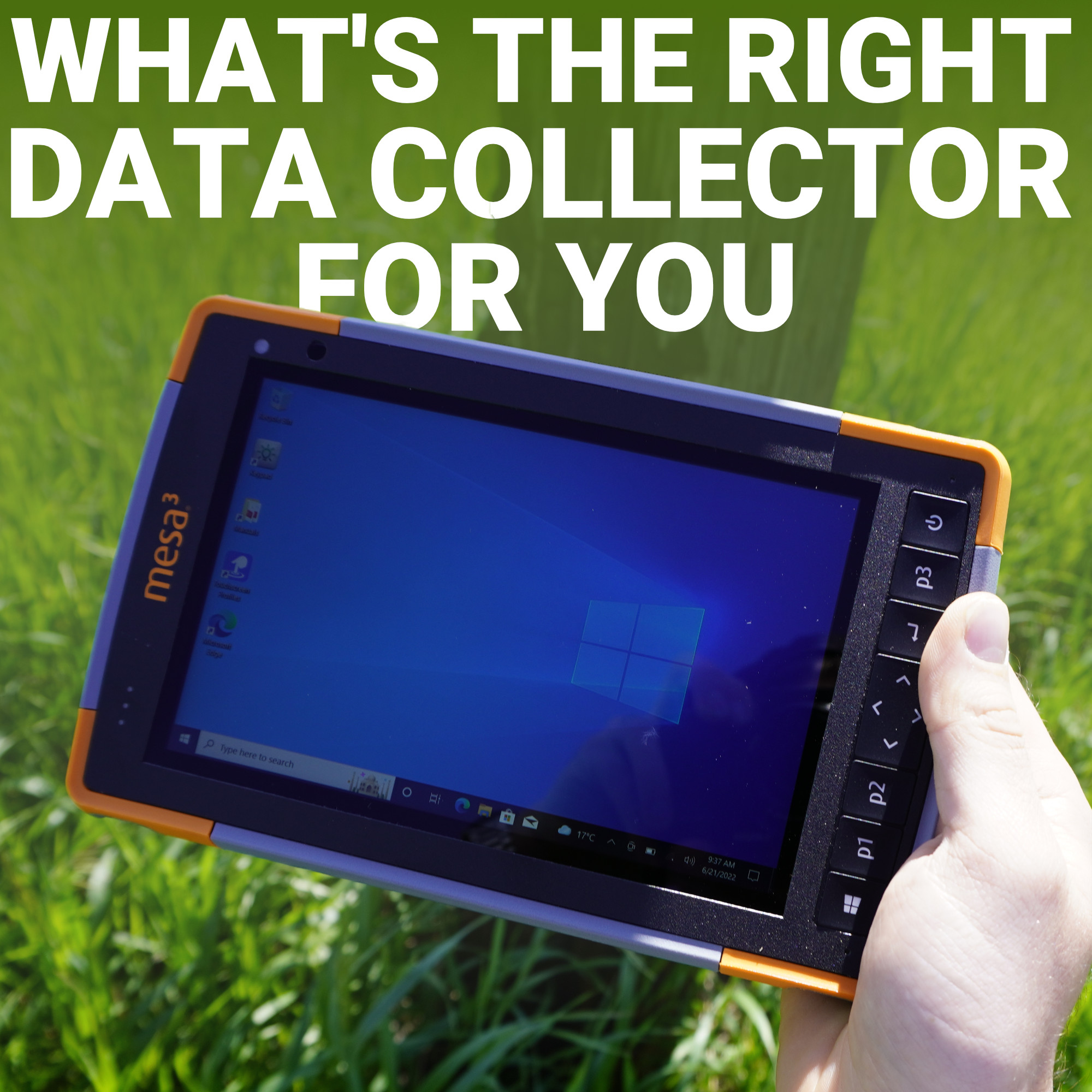
Ask ten surveyors what makes a good field controller and you’ll get ten different answers, screen size, battery life, keyboard versus touchscreen, tablet versus handheld. That’s because a data collector is an extension of how you actually work.
A crew running boundary surveys in dense brush needs something different than a utility locator doing rapid-fire point shots all day, and both need something different than a CAD-heavy site engineer pulling up full drawings in the field.
Juniper Systems has quietly become one of the most trusted names in rugged field computing precisely because they build for those differences instead of forcing everyone into the same box.
In this guide, we’ll break down the Mesa 4, Archer 4, and Allegro Wireless Keyboard so you can figure out which one actually matches your day-to-day, rather than just picking whichever one looks the most rugged in a photo.
What a Survey Data Collector Actually Needs to Do
Juniper Mesa 4: The Full Windows Workhorse
Juniper Archer 4: Built for Speed and Portability
Juniper Allegro: Tactile Data Entry That Never Slows Down
Matching the Device to the Job
The Right Tool Beats the Flashiest Spec Sheet
Before comparing models, it’s worth being clear about what a survey data collector has to handle in the real world. It’s not just a screen that displays coordinates. It’s the bridge between your RTK receiver, your total station, and the software (like FieldGenius or Carlson) that turns raw shots into usable data. A good collector needs to:
With that baseline in mind, let’s look at how the Mesa 4, Archer 4, and Allegro stack up.
The Mesa 4 is Juniper’s flagship 7-inch rugged tablet, and it’s built for surveyors and engineers who need a genuine field office, not just a data logger. Running full Windows 11 on a newer-generation Intel processor, it’s designed to handle demanding data collection software without the compromises that come with mobile operating systems. Configurations run 8 or 16 GB of RAM, with storage options up to 256 GB, giving it enough headroom to manage large point clouds, complex CAD files, and multi-layer GIS data without slowing down.
Built to the IP68 and MIL-STD-810H standard, the Mesa 4 is rated waterproof, dustproof, and shock-resistant, and it carries forward the same ergonomic housing that made the Mesa 3 a favorite for all-day carrying. Cellular connectivity got a real upgrade too, its CAT 12 modem delivers noticeably faster data transfer than the previous generation, which matters if you’re syncing large files back to the office mid-shift.
Who it’s for: land surveyors and civil engineers running full-featured Windows software like FieldGenius or AutoCAD in the field, where screen real estate and processing power matter more than pocket size. If this sounds like your crew, the Mesa 4 Windows rugged tablet is worth a closer look.

The Archer 4 takes a different approach. Instead of a tablet-sized Windows machine, it’s a compact Android handheld built around a power-efficient Qualcomm processor, the kind of chip with long-term platform support that keeps the device current well into the next decade. It ships on Android, with a support runway that stretches several OS versions forward, so you’re not stuck on outdated software two years after purchase.
Where the Archer 4 stands out is portability and connectivity. It supports 5G, Wi-Fi 6, Bluetooth, and dual-band GNSS location, and it’s expandable with modular barcode scanners or sub-meter GNSS pods depending on the job. Swappable batteries mean a crew can carry a spare and never lose a shift to a dead device, and the sunlight-readable display holds up in open-field conditions.
Who it’s for: field crews who value one-handed operation, all-day mobility, and Android-based apps over full desktop-grade software. It’s a strong fit for utility locates, GIS data capture, and construction layout work where speed of movement matters as much as processing power. See the full spec sheet on the Juniper Archer 4 rugged handheld.

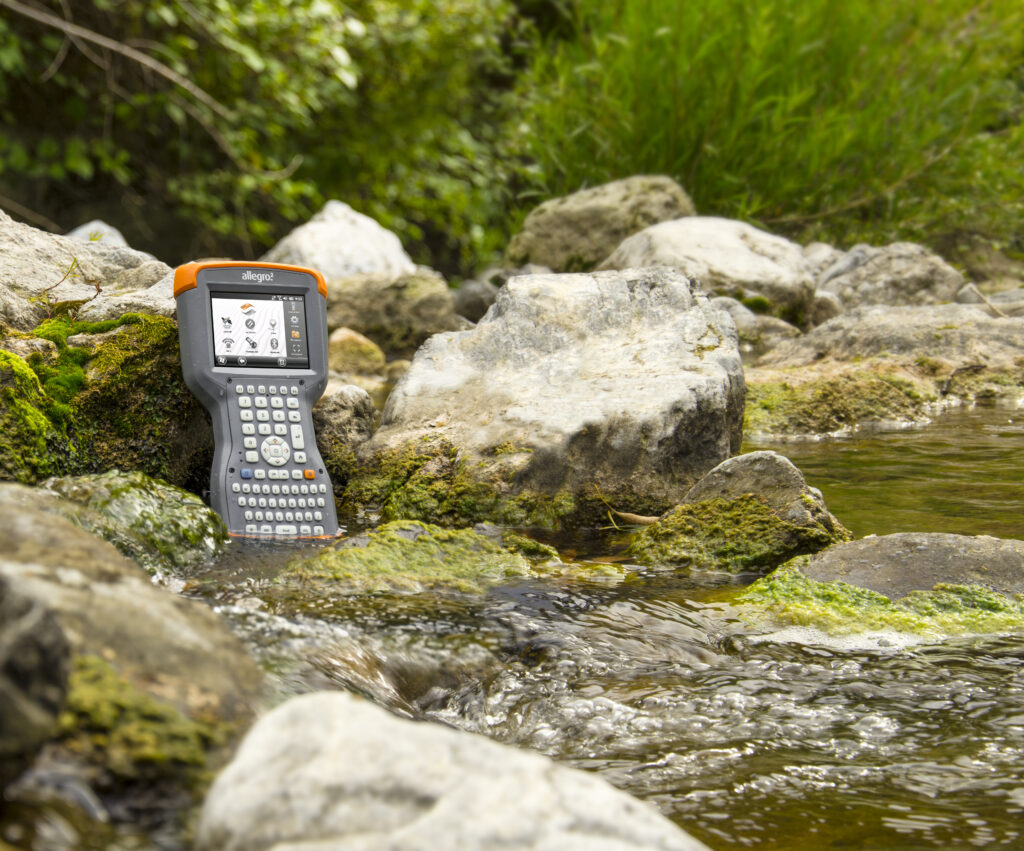
The Juniper Allegro in its current form is a rugged wireless keyboard purpose-built to pair with the Archer 4, bridging the gap between touchscreen convenience and old-school tactile speed. It connects over Bluetooth to Android, Apple, or Windows devices up to 8 inches, with a full QWERTY layout and LED backlighting for low-light conditions. Battery life stretches into the hundreds of hours depending on configuration, and it’s IP68 rated to match the ruggedness of the devices it pairs with.
For crews doing high-volume attribute entry, think environmental monitoring logs, utility asset inspections, or dense construction inspection forms, a physical keyboard is often faster and more accurate than tapping through a touchscreen, especially with gloves on. It’s the accessory that turns the Archer 4 into a true high-throughput data-entry station rather than just a mapping display.
Who it’s for: teams whose bottleneck isn’t positioning accuracy but data entry speed. Check out the Juniper Allegro wireless keyboard if typing volume is slowing your crew down.
A few quick questions can point you toward the right choice:
At Bench-Mark, we sell and support all three configurations, and we regularly help crews mix and match based on how their days actually run, not just what looks impressive on a spec sheet. It’s common for a crew to run Mesa 4 tablets in the truck for design review and Archer 4 handhelds in the field for shot-by-shot collection.
There’s no universal answer here, and Bench-Mark’s team has seen firsthand that the “best” collector is the one that disappears into your workflow instead of fighting it. If you’re still unsure which setup fits your crew, our team can walk through your specific application and point you toward the right hardware and software pairing for the job ahead.
At the end of the day, the Mesa 4, Archer 4, and Allegro aren’t competitors for the same job, they’re three answers to three different field problems. Choose based on how your crew actually moves, types, and processes data, and the right collector will earn its keep from day one.
