Home > MicroSurvey

Key Features & Benefits
MicroSurvey is one of the top developers of survey software in the world. With some of the fastest, most intuitive, and easy-to-use systems, it’s no wonder the MicroSurvey FieldGenius software is a bestseller at Bench Mark and worldwide. MicroSurvey supports continual updates, with innovations and new features available with each software update. Developing computer software for land surveyors, civil engineers, seismic surveyors, mapping professionals and more, MicroSurvey’s crowning jewel is the FieldGenius system, and we are proud to carry it at Bench Mark.
The Bench Mark advantage
Our experienced and professional staff have training and experience in geomatics, surveying, and civil engineering, meaning we understand the pressures of field surveying. At Bench Mark, we are consistently researching new products and technologies that can help improve productivity in the field. Canada’s own MicroSurvey FieldGenius software meets this objective through its user-friendly interfacing and full-feature capabilities. MicroSurvey FieldGenius is the most intuitive system we’ve ever used. However, if you do happen to encounter any issues, we offer guaranteed tech support solutions. Interfacing between surveyors and their equipment, data collection software is another essential tool for your surveying tool belt, and Bench Mark carries only the best. We endorse FieldGenius for its device-neutral functionality, code-free linework, advanced 3D features, and survey centric system. Allow us to make your job easier; order the MicroSurvey software today.
MicroSurvey develops professional software used for survey data collection, coordinate processing, and CAD drafting. Solutions such as FieldGenius, MicroSurvey CAD, and STAR*NET help surveyors collect field measurements and process them into accurate survey plans and engineering drawings.
The best surveying software depends on your workflow. Many professionals use FieldGenius for field data collection, MicroSurvey CAD for drafting and coordinate management, and STAR*NET for network adjustments and survey data processing.
Yes. MicroSurvey FieldGenius works with a wide range of GNSS receivers, manual total stations, and robotic total stations from many manufacturers, allowing survey crews to use their existing equipment.
Yes. Many surveyors use AutoCAD-based software to process and finalize survey drawings. MicroSurvey CAD is built specifically for survey workflows while maintaining compatibility with common CAD formats used in engineering and construction projects.
MicroSurvey STAR*NET is professional software used for least-squares network adjustment, helping surveyors analyze and improve the accuracy of GNSS, total station, and leveling data collected in the field.
FieldGenius is designed with an intuitive interface and streamlined workflows for field data collection. Its layout and configuration tools allow survey crews to quickly connect instruments, collect measurements, and manage survey points.
Selecting the right solution for your workflow and equipment
Choosing the right MicroSurvey solution depends on your workflow, equipment, and project requirements.
1. Field vs Office Needs
FieldGenius: Ideal for field data collection and real-time positioning
Office Software (MSCAD, STAR*NET): Best for processing, adjustments, and drafting
2. Device Compatibility
MicroSurvey FieldGenius for Android: Perfect for mobile flexibility
Windows version: Ideal for more complex workflows and larger projects
3. Equipment Integration
Ensure compatibility with your GNSS receivers, total stations, or robotic instruments.
4. Project Complexity
Basic surveys: Standard FieldGenius tools
Advanced engineering: Look for 3D modeling and surface capabilities
5. Workflow Efficiency
Choose software that simplifies your workflow with features like code-free linework and real-time calculations.

Feature | MicroSurvey Software | Carlson Survey | Trimble Access | Leica Captivate |
Ease of Use | ⭐⭐⭐⭐⭐ (very intuitive) | ⭐⭐⭐⭐ | ⭐⭐⭐⭐ | ⭐⭐⭐⭐ |
Code-Free Linework | ✔ Yes | ✖ Limited | ✖ | ✖ |
Device Compatibility | ✔ Brand-neutral | ✔ | Mostly Trimble | Leica-focused |
Field + Office Integration | ✔ Strong | ✔ | ✔ | ✔ |
3D Visualization | ✔ Advanced | ✔ | ✔ | ✔ |
Platform Options | Android & Windows | Windows | Proprietary | Proprietary |
Pricing | 💲💲 (cost-effective) | 💲💲💲 | 💲💲💲💲 | 💲💲💲💲 |
Best For | Flexibility + value | CAD-heavy users | Trimble ecosystems | Leica users |
Surveying, construction, engineering, and mapping workflows
Land Surveying
MicroSurvey solutions are widely used for boundary surveys, topographic mapping, and cadastral projects. With powerful data collection and processing tools, surveyors can efficiently capture and manage accurate field data.
Construction & Site Layout
Microsurvey FieldGenius is ideal for construction layout, grade checking, and staking. Real-time feedback and precise positioning help ensure projects stay on schedule and within tolerance.
Civil Engineering
Engineers rely on MicroSurvey software for infrastructure design, road layout, and site development. Advanced modeling and calculation tools support accurate planning and execution.
GIS & Mapping
Mapping professionals benefit from flexible data collection and seamless integration with GIS platforms, making MicroSurvey a strong choice for large-scale mapping projects.
Seismic & Specialized Surveys
MicroSurvey software is also used in seismic and specialized survey applications, where precision and reliability are critical for data accuracy and analysis.
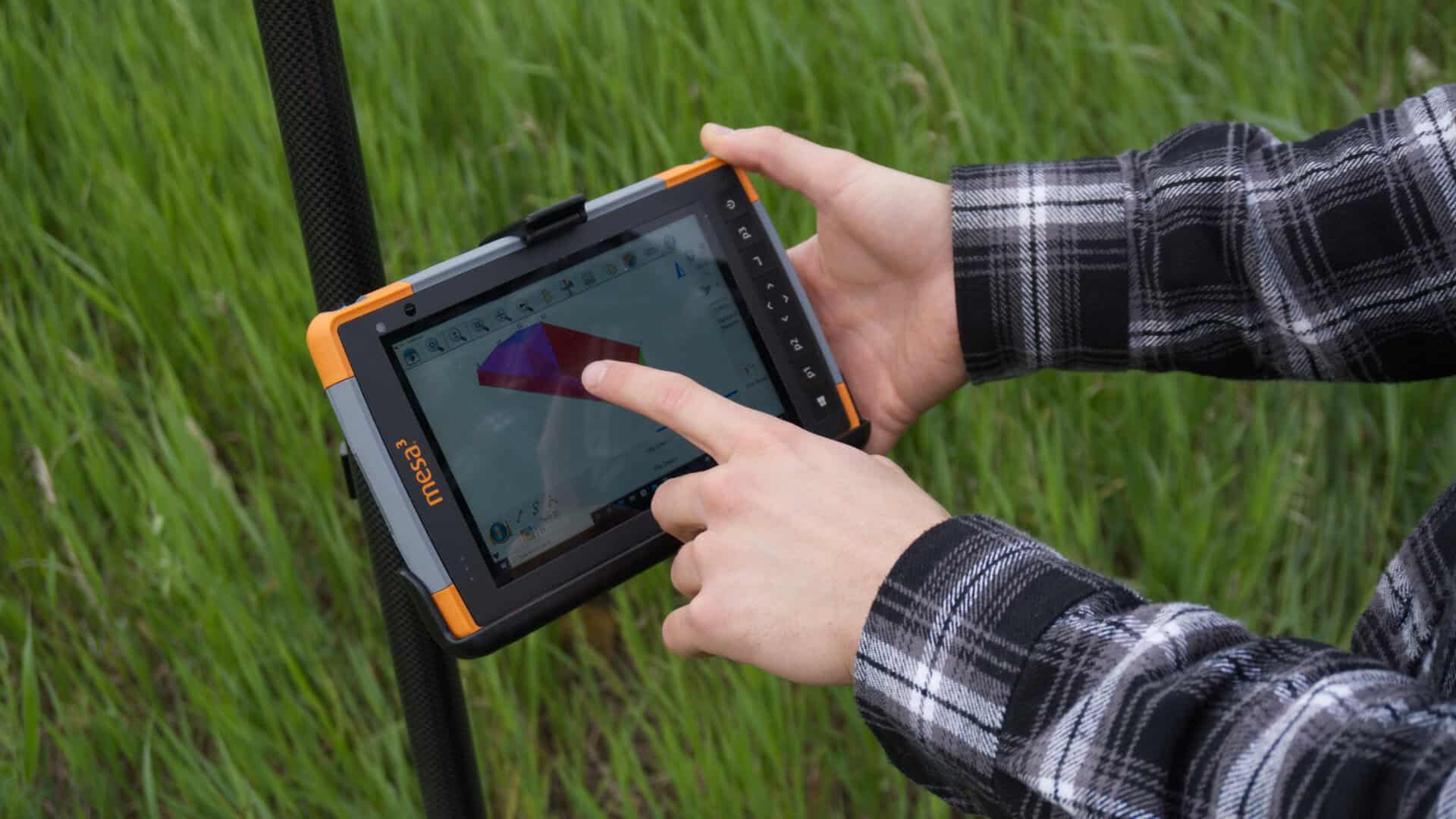
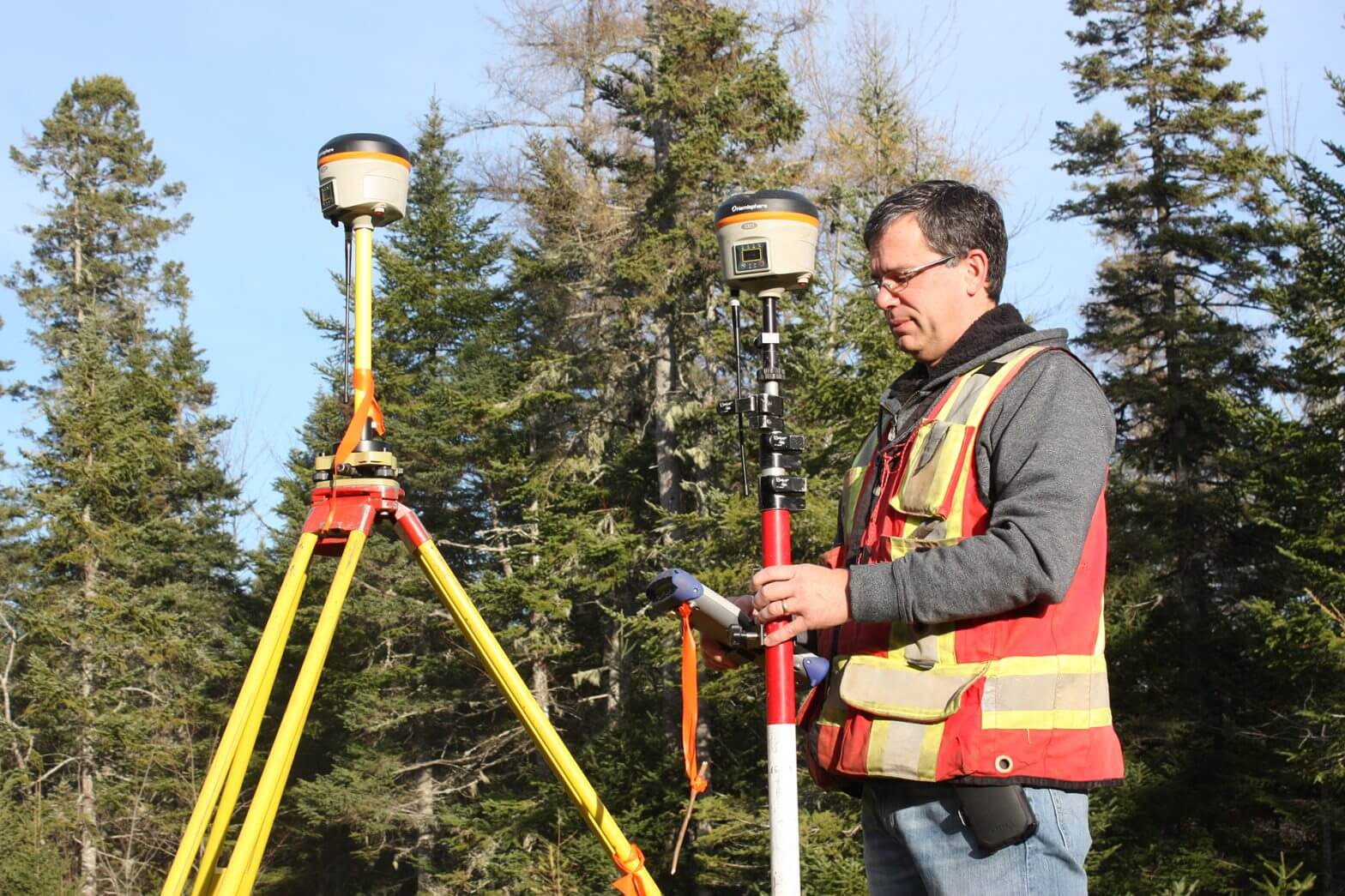
Advanced field software for efficient data collection and layout
MicroSurvey FieldGenius combines GNSS and total station workflows in a single, fully featured platform designed for efficient field operations. It supports advanced functions such as high-visibility staking views, 3D point and line visualization, real-time mapping, and surface modeling. Additional tools for road design, volume calculations, and layout improve accuracy and productivity on complex projects.
Code-free linework allows you to create lines directly in the field without predefined codes, using arcs, splines, and straight segments. This simplifies data collection and reduces setup time while maintaining flexibility across different workflows.
What We Offer
This approach ensures you get the full benefit of FieldGenius with reliable performance and long-term support.