

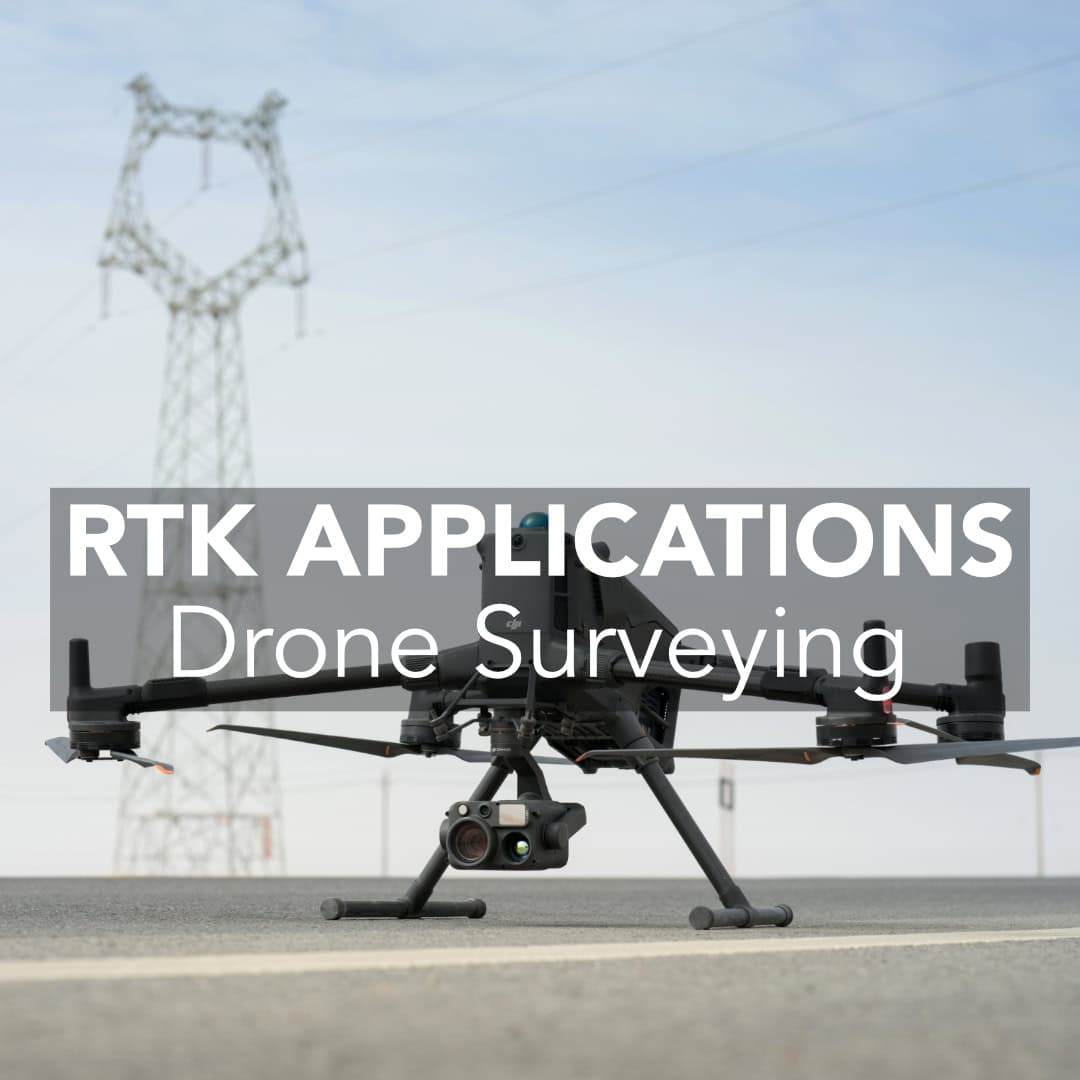
Drones with integrated RTK modules are changing how professionals approach surveying and construction site mapping. RTK drones are quite quickly becoming the best option for collecting precise data. They offer faster and safer options than ever before. In this post, we’ll break down where drone RTK truly outperforms compared to traditional workflows.
What Is RTK Drone Mapping?
The Traditional Method: Ground Control Points
Where RTK Drones Outpace
When Traditional Methods Still Matter
What You Need for Drone RTK Mapping
Is RTK Drone Mapping Worth It?
Frequently Asked Questions
What is RTK drone mapping? It is a drone surveying workflow that combines aerial photogrammetry with real-time GNSS corrections to improve the positioning accuracy of images collected during flight.
RTK drone mapping includes aerial photogrammetry and real-time GNSS corrections. It does not act like a standard drone. Instead, an RTK drone receives corrections from a base station while flying. This process improves positioning accuracy, It brings it down to the centimeter level without the need for many ground control points (GCPs).
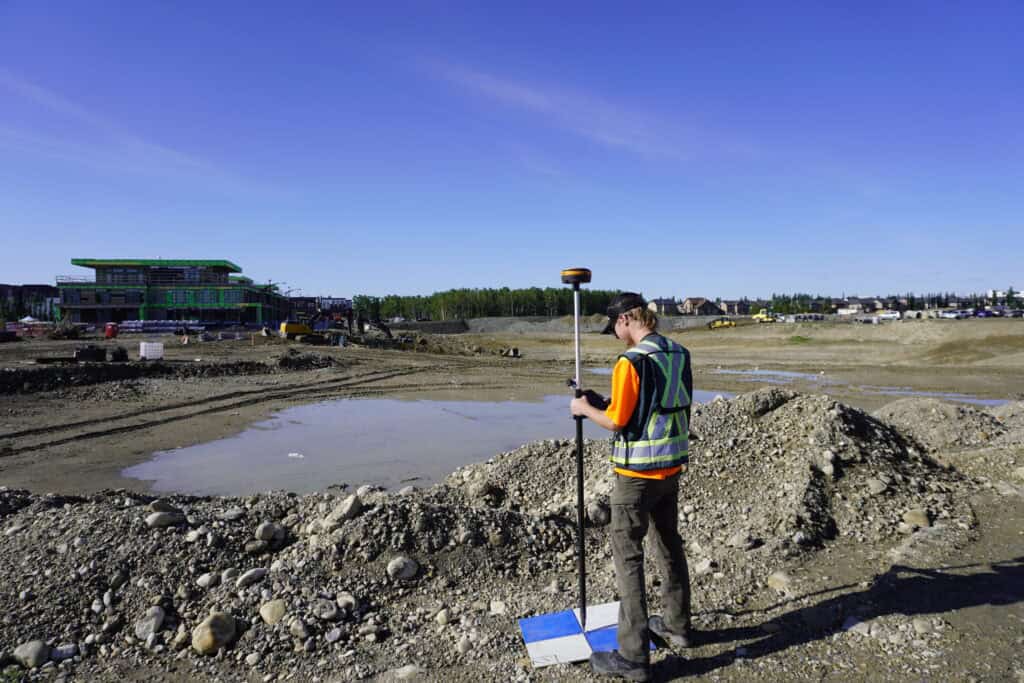
Before RTK drones became widely available, accurate drone mapping required setting up ground control points manually. Here is how it’s done:
GCPs undeniably work, but this process is rather time-consuming. It is especially not convenient on active construction sites or large, open parcels. For small teams or remote locations, it’s not always realistic.
The main difference becomes clear when you compare the field time, accuracy, and amount of ground work required for each workflow.
| Method | Typical Accuracy | Time to Map 100 Acres | Ground Crew Required | Best-Fit Use Case |
| RTK drone mapping | About 2–3 cm with proper setup | Under 30 minutes of flight time | Minimal; no dense GCP placement required | Large-area topographic mapping, volume calculations, and construction progress tracking |
| Non-RTK drone with GCPs | Centimeter-level with properly surveyed GCPs | About 2–3+ hours including GCP work | Ground crew needed to place, survey, and retrieve GCPs | Drone mapping when RTK/PPK capability is unavailable |
| Traditional total station/GNSS survey | Centimeter-level or better on measured points | Typically measured in crew-hours rather than flight time; large sites require substantially more field work | Survey crew required throughout the survey | Boundary work, construction staking, layout, and targeted high-precision measurements |
1. Speed
Most projects may not even need GCPs at all if they drone is properly configured. Here are the benefits drones bring:
A typical RTK drone flight can map 100 acres in under 30 minutes with data accurate to within 2-3 cm. This is more than enough for volume calculations, topographic maps, and progress tracking.
2. Improved Safety on Active Sites
With an RTK drone, you don’t need to spend time on foot, which means less risk. In construction, especially near machinery or steep terrain, sending an RTK drone over the site is much safer. Teams can launch the drone from a safe distance, collect data, and get back to work.
3. Real-Time Results
Your data is aligned and ready to go once the flight ends because RTK drones process corrections during flight. You can upload to the post-processing platform, generate orthophotos and digital surface models, and share with stakeholders the same day. Its benefits everyone on the workload:
There are cases when RTK drones cannot be a versatile variant. Total stations and static GNSS are still critical for:
RTK drones complement these tools and don’t have enough function to replace them. But if you’re still using non-RTK drones with GCPs for everything, it’s time to consider upgrading.
To efficiently use an RTK drone you have to refine your workflow a bit. Here is what you can refer to if you seek a good RTK drone setup:
We also recommend reviewing our DJI Drone Systems if you’re exploring popular hardware options in the USA that are RTK-capable.
There are two main ways to provide positioning corrections for a drone RTK workflow: using a local GNSS base station or using a PPK-capable setup.
A local GNSS base station provides corrections to the RTK drone while it is flying. The base needs to be positioned on a stable point with reliable satellite visibility, and the correction link must remain available during the flight.
A PPK-capable drone records positioning data during the flight and applies corrections during post-processing rather than relying entirely on a continuous real-time correction link. This can be useful when connectivity is unreliable or when the workflow already includes post-processing.
For drone mapping, PPK can also provide a useful backup when a real-time RTK connection is interrupted.
If your team is still spending lots of time placing GCPs or waiting days for post-processing, drone RTK may seriously change how you all are used to work. It lets you:
This technology is not that expensive nowadays. With tools like our GeoMeasure Nano 7 and the Hemisphere S631, it’s easier than ever to build a professional RTK workflow that is aligned with your targets.
The initial investment in an RTK mapping workflow can include both the drone and a GNSS base station. The tradeoff is reduced field labor, particularly when the alternative requires a crew to place, survey, and retrieve multiple GCPs across a site.
GCP work alone can add roughly 1–3 hours to a mapping mission, while a local base station can add about 30–60 minutes for setup and teardown. On a 100-acre site, the drone flight itself may still take under 30 minutes.
That means the equipment investment should be evaluated against how frequently your team maps, how much ground-control work each project requires, and how much field labor can be removed from the workflow. For teams mapping large sites regularly, reducing repeated GCP placement can turn the initial hardware investment into a workflow efficiency gain over multiple projects.
Typically within 2-3 cm horizontally and vertically, assuming proper setup and GNSS base connection.
Technically yes, using PPK workflows or VRS networks. But for real-time data and consistency, we recommend a base station like the S631.
Yes, Drone RTK is legal in the U.S., but operators must follow FAA regulations. For most surveying applications, this requires Part 107 certification and compliance with airspace restrictions.
In many cases, yes. For ultra-precise jobs or regulatory documentation, adding a few GCPs can help. But most workflows don’t require them.
Place your base on a stable point with clear sky view, then connect it to your RTK drone via radio or network. Use known or averaged coordinates and save them for consistent results across flights.
